Imagine a situation where, after years of loyalty to your default browser on Android, you feel the need for a change. Perhaps your current browser no longer meets your expectations, or another browser offers enticing features that you want to explore. A multitude of alternative browsers are available on Android, such as Google Chrome, Mozilla Firefox, or Opera Mini, to name just a few. That’s why it would be helpful to know how to change the default browser on Android to optimize your browsing experience.
Optimize Your Browsing Experience on Android
In our quest for an optimal browsing experience, we must understand the importance of choosing the default browser on Android. So, how do you set a default browser on Android? It’s simple: just go to your device settings and find the ‘Apps’ or ‘Application Manager’ section. Once there, you will see a list of installed apps. Look for the browser you want to use as your default browser and tap on it.
Now that you understand how to change your default browser on Android, it’s time to explore alternatives to pre-installed browsers. If you’re looking for a balance between speed and security, Google Chrome can be an excellent choice with its Chromium-based technology. Mozilla Firefox also offers a great browsing experience with its ongoing support for online privacy.
When evaluating the criteria for selecting a high-performing browser, consider features such as tab synchronization between your devices or an integrated ad blocker. Some users may prioritize lightweight design and energy efficiency to save battery life.
Once you have made your choice regarding the new browser to use as the default, proceed to change it in the appropriate settings. Also, make sure to customize the preferences by modifying the options that match your specific needs.
When everything is set up according to your personal preferences, you will be able to fully enjoy your new browsing experience on Android. Whether it’s smoother browsing, better security, or easy access to your synced bookmarks and passwords, your choice of default browser can have a significant impact on how you use your device on a daily basis.
Optimizing your browsing experience on Android can be achieved by wisely setting the default browser. Explore the available alternatives, carefully evaluate your selection criteria, and make the necessary changes in the settings. Once everything is configured according to your specific needs, you can enjoy a personalized experience that perfectly meets your expectations.
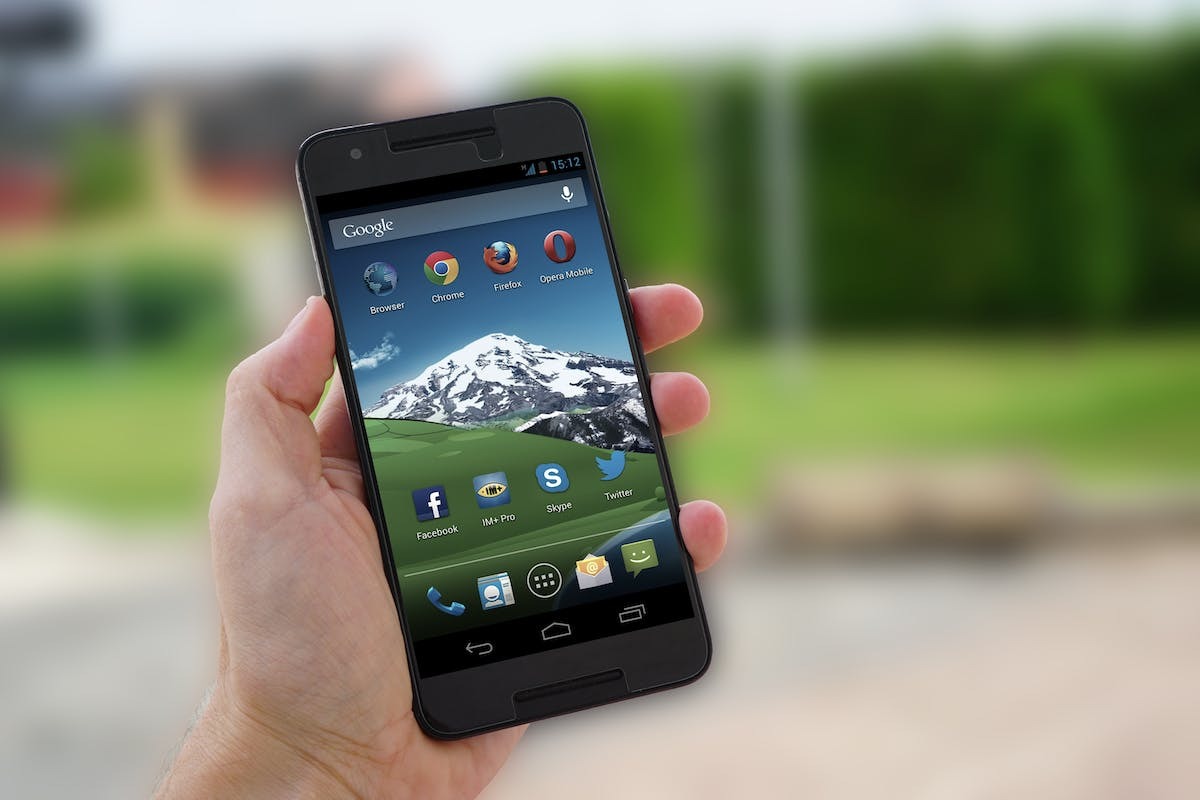
Choose Your Default Browser Wisely
The decision to choose a default browser may seem trivial, but it is actually crucial for a smooth and enjoyable browsing experience on your Android device. Your default browser is the tool you interact with daily to access your favorite websites, perform searches, read articles, or watch streaming videos.
Choosing a good browser goes beyond visual appearance and design. It also involves the technical and functional performance offered by the application. A well-optimized browser ensures fast loading speeds for web pages, reduces frustrating wait times, and overall enhances your efficiency while browsing.
Consider security carefully when selecting the default browser on your Android device. Cyber threats are pervasive in the online world, and a good browser should be equipped with solid protection against malware, phishing attempts, and other forms of digital attacks.
Another important aspect to consider is integration with the services you regularly use. Some browsers offer synchronization across your different devices, meaning your personal information such as open tabs or passwords will be available on all your connected devices. This provides great convenience when switching from a laptop to a mobile phone without losing any important data.
Moreover, we often use our smartphones as our primary devices for accessing the Internet. Therefore, it is crucial to choose a browser that offers an intuitive and user-friendly interface specifically designed for the touch screens of mobile devices.
Explore Alternatives to Pre-Installed Browsers
Exploring alternatives to pre-installed browsers can prove to be a fruitful endeavor to enhance your browsing experience on Android. While the default browsers provided by device manufacturers may offer satisfactory basic features, there is a range of more advanced options that can meet your specific needs.
One of the popular alternative browsers is Mozilla Firefox. Known for its reputation for privacy and security, Firefox offers a smooth experience with a minimalist and intuitive user interface. Its Quantum engine ensures fast and optimal performance while consuming fewer system resources.
Another popular choice is Google Chrome, which benefits from tight integration with the Android system and offers seamless synchronization with your Google account. This way, you can easily find your favorites, passwords, and history across all your connected devices. Chrome also offers a dark mode to protect your eyes during nighttime browsing.
If you’re looking for more customization, Opera might be the ideal option for you. With its modern interface and numerous customizable features such as Flow (which allows you to instantly exchange files between your phone and computer), an integrated ad blocker, and unlimited free VPN, Opera stands out as a versatile choice.
For those who place great importance on online privacy, Brave Browser is also worth mentioning. Based on Chromium (the same engine used by Chrome), Brave offers automatic ad and tracker blocking. It also provides the opportunity to earn rewards in BAT (Basic Attention Token) for viewing voluntary ads.
Vivaldi is a powerful browser that stands out for its advanced customization and exclusive features such as stackable tabs and integrated note-taking. Vivaldi emphasizes creativity when it comes to tailoring your browsing experience to your individual preferences.
Before choosing the ideal alternative browser, you should consider your specific needs such as security, performance, integration with other services, and customization options. Also, take into account user reviews and professional ratings to make an informed decision.
Once you have chosen your new default browser, don’t forget to disable or uninstall the pre-installed browser to avoid any unnecessary confusion. By optimizing your browsing experience on Android through a wise choice of default browser, you can fully enjoy the potential offered by your mobile device.
Select a High-Performing Browser Based on Your Criteria
When evaluating the selection criteria for a high-performing browser, several key elements must be considered to ensure an optimal experience. The page loading speed is essential. A responsive and fast browser allows for smooth browsing without frustrating wait times.
The stability of the browser is also a crucial factor to consider. No one wants to encounter frequent crashes or compatibility issues that hinder smooth browsing. Therefore, ensure that the chosen browser offers exemplary stability to avoid unnecessary frustrations.
Another important aspect is the resource consumption of system resources such as CPU and RAM. Some browsers can be very resource-intensive, which can slow down your device and negatively affect battery life. Therefore, opt for an energy-efficient browser that wisely uses the available resources.
Security also plays a critical role when it comes to choosing a web browser. Protection against malicious attacks, spyware, and other potential threats should be a top priority. Check if the browser offers features such as blocking unwanted ads, automatically detecting fraudulent sites, or using secure HTTPS protocol.
Some users place great importance on integration with other popular services and applications such as Google Drive or Pocket to facilitate synchronization and content sharing. If you regularly use these services, make sure your browser is compatible and offers seamless integration.
The ergonomics of the user interface is also an aspect to consider. A browser with an intuitive interface, featuring easily accessible functionalities, allows for pleasant browsing without wasting time searching for desired options.
Don’t forget to consider the regular updates of the browser. Developers who actively maintain their product to introduce new features, fix bugs, and improve performance demonstrate a commitment to their users.
Evaluating the selection criteria for a high-performing browser requires careful attention to elements such as speed, stability, energy efficiency, security, integration with other services, and overall ergonomics. By considering these criteria when choosing your new default browser on Android, you can optimize your daily mobile browsing experience while meeting your specific needs.
Enjoy Your New Browsing Experience on Android
Once you have accessed the settings of your Android device, look for the ‘Apps’ or ‘Application Manager’ option. Tap on it to display the list of installed apps on your phone or tablet.
In this list, locate the web browser currently set as the default browser. It may be the browser integrated into Android or another browser installed by your device manufacturer. Once you have found the browser in question, tap on it to access its information and options.
Then look for the ‘Clear defaults‘ option or a similar option in the browser settings. By tapping on this option, you will revoke the default browsing privileges assigned to the current browser.
Now return to your main screen and launch the new browser you wish to use as the default browser on Android. When it launches for the first time, it may ask you if you want to set this new browser as your preferred web browser for all your online activities. This means that all hyperlinks clicked in other applications (like emails or social networks) will automatically open with this new search engine.
If you ever change your mind again and decide later to switch back to another search engine like the one originally provided by Android, you just need to follow the previous steps to revoke the privileges of the current browser and choose a new browser as default.
Changing your default browser on Android only requires a little exploration in your device settings. Once you find the right browser that meets your needs in terms of features and performance, you can fully enjoy a smoother and more personalized browsing experience on your Android phone or tablet. Don’t hesitate to explore different options and try out different search engines to find the one that best suits your preferences.